Apple approval · App Review
The rejection that really happened
Guideline 1.5 — Safety
A support or privacy URL entered in App Store Connect did not work correctly in one or more localisations.
- 01Rejection
- 02Page corrected
- 03Resubmission
- 04Approval
THE GUIDE + TOOLKIT FOR YOUR FIRST IPHONE APP
Turn a rough idea into an iPhone app that is clearly scoped, tested and ready to submit to the App Store.
A practical method, 35 ready-to-use tools and lessons from a real launch — to move forward with AI while staying in control of your product and code.
USD estimate · €20 base price · One-time payment

Hugo Bertin, the developer behind BeSafe — an app that went through Xcode, TestFlight and App Review.
The real starting point
AI can generate an interface in minutes. The real work is turning that first result into a coherent product you can test and publish.
No promises of an app in 24 hours. A method that makes your next decision clearer, every step of the way.
76 pages · 11 chapters
Each part answers a concrete question about your project. Keep the big picture in view while knowing what to check at every stage.
Chapters 1–3
Is this idea worth building — and what should it look like?
Chapters 4–6
How do you work with AI while still understanding your project?
Chapters 7–10
What separates a working app from one Apple can approve?
Chapter 11
Once your app is live, which decisions are worth your time?
71 pages · PDF + DOCX
The toolkit turns the method into working documents. Fill them in, adapt them to your app and return to them when you need them.
13Promptsto define and review
13Templatesto structure your project
9Checkliststo cover every step
35tools
A few tools from the toolkit
The English edition
A method for knowing what to decide, what to ask AI and what to check before submitting your app to Apple.
Lessons from BeSafe
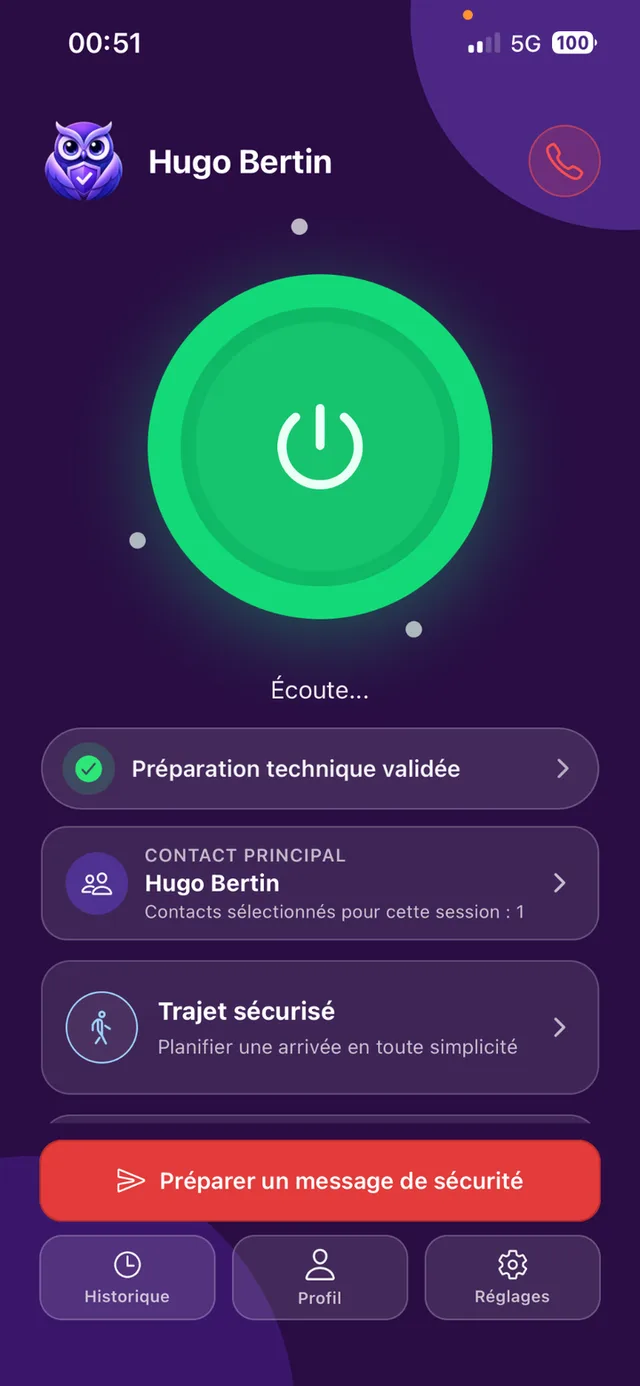
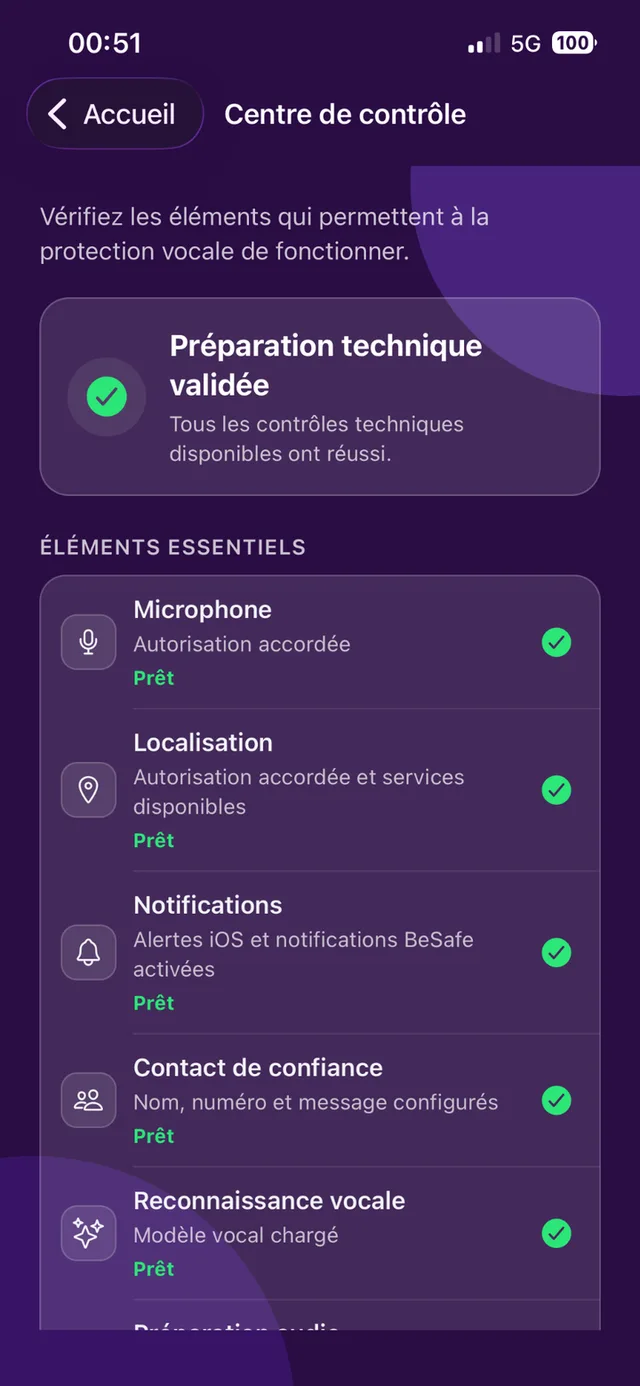
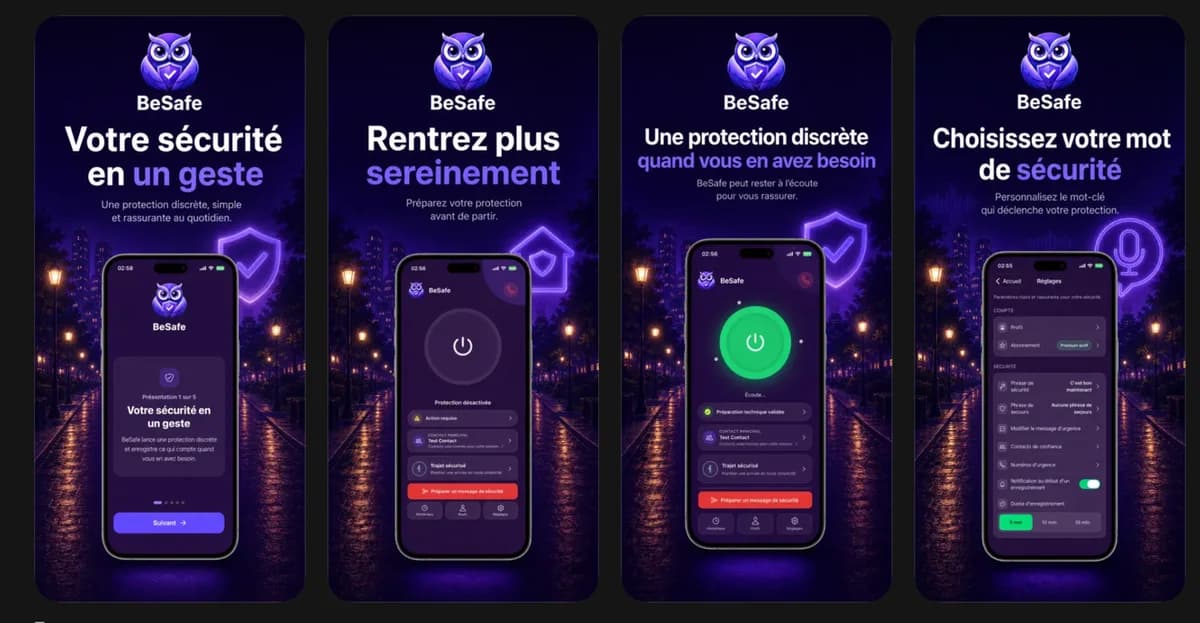
BeSafe is not an example invented for the book. It is the app where many of these challenges actually happened. Authentic screenshots retain their original interface language, with English reading keys in the guide.
Decision journal
Moving from keyword detection to voice transcription directly inside the app.
A feature that sounds attractive can create a cost model you cannot sustain.
Accounts, agreements and App Store information belong in your product timeline.
Guideline 1.5 — Safety
A support or privacy URL entered in App Store Connect did not work correctly in one or more localisations.
Xcode → TestFlight → App Store → analytics → updates
Evidence from the project
Real screenshots document the journey: builds, beta testing, App Store review and the first signals after launch.
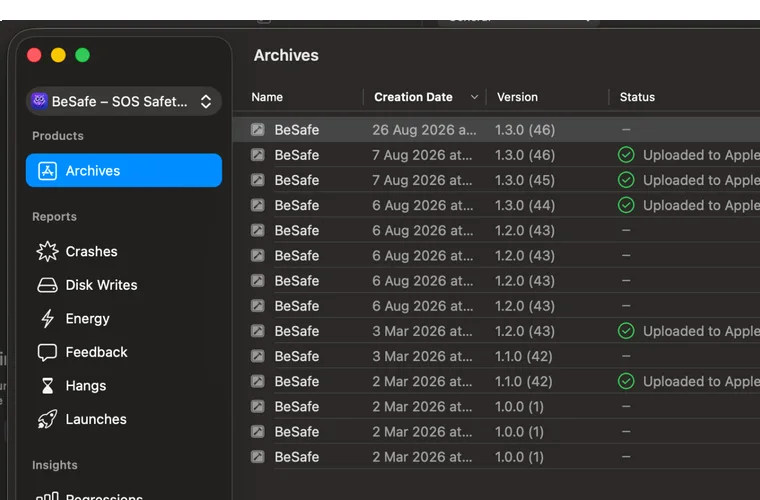
Real BeSafe archives in Xcode Organizer.
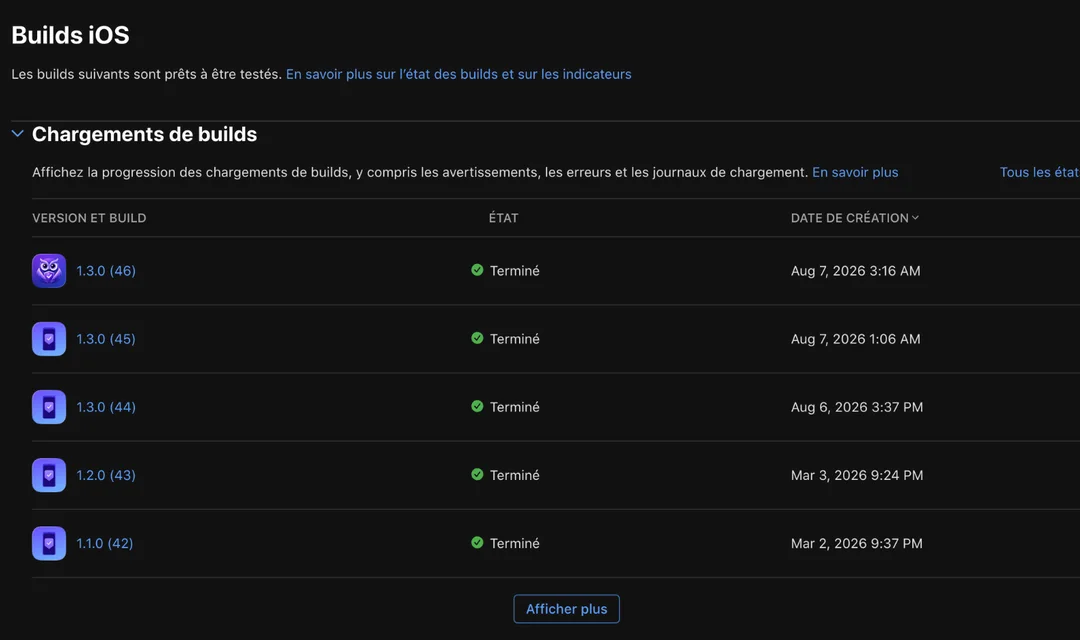
Builds tested through TestFlight, the public listing and Apple’s review history.
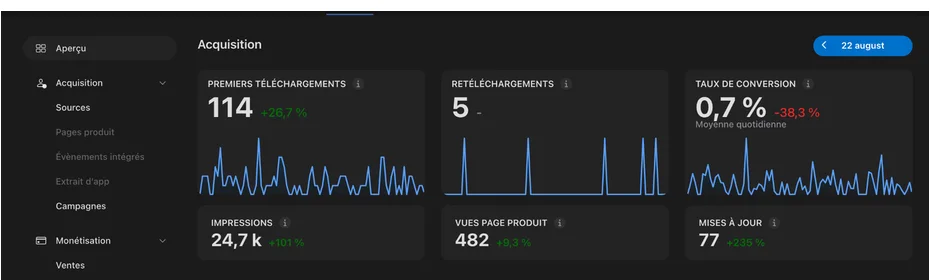
Real App Store signals used to make decisions.
Who is it for?
You do need to be willing to understand, test and make decisions. The guide supports you; it does not do the work for you.
Yes
No
Practical questions
Useful answers before you buy, including the guide’s limitations.
You don’t need to be a senior developer, but the guide does not promise an app without ever understanding code. It helps you know what to read, what to ask and what to check.
The guide is not tied to a single tool. Its principles apply to ChatGPT, Claude, Codex, Cursor and other assistants that help you analyse, write and review code.
No. React Native, Expo and TypeScript are the reference stack, but the focus is the entire product journey: scope, development, security, testing and publication.
No. This first edition focuses on iPhone, iOS, TestFlight and the App Store.
Some cloud tools let you get started without a Mac. However, macOS and Xcode become useful — and may be necessary for your workflow — to inspect the project, manage archives and control the iOS release process.
No. BeSafe is a real case study, not an app template to copy.
The English pack includes a 76-page PDF guide, a 71-page PDF toolkit and an editable DOCX version of the toolkit. The PDFs contain 147 pages in total, including their covers. Word pagination can vary between applications.
Once the English edition is available to buy, Lemon Squeezy will handle payment and provide the download links in your order and receipt. Choose the English edition at checkout.
Yes. This is a dated 2026 edition. Always check changing requirements against official sources before submitting your app.